Service & Repair
Buying a Home With Control4 or Existing Automation: The Handoff Checklist
A smart home can add real value to a purchase—but only if the new owner receives control of the system. A working demonstration is not the same as a complete handoff.
A smart home can add real value to a purchase—but only if the new owner receives control of the system. A working demonstration is not the same as a complete handoff.
Before closing, or as soon as practical afterward, identify what is installed, who owns the accounts, which subscriptions are active and whether the network and control project can be supported. Do not assume an unfamiliar system needs to be replaced. Give a qualified service team the best chance of preserving what already works.
Important: Do not factory-reset controllers, network equipment, cameras or recorders until account ownership, project access and backups are understood. A reset can remove information needed to recover the system.
Start before closing if possible
Ask the seller or listing representative for a dedicated technology handoff. The right time to discover that a personal email owns the camera recorder is not after the seller has moved away.
Create a list of the systems included with the home:
- Control4 or another automation platform
- Network gateway, switches and wireless access points
- Lighting control and keypads
- Audio/video distribution, amplifiers and remotes
- Security cameras and recorder
- Alarm monitoring and sensors
- Thermostats and climate integrations
- Motorized shades
- Gates, door stations and access control
- Voice assistants and household integrations
Record the manufacturer, model and location where practical. Note whether each item is included in the sale, leased from a provider or expected to be removed.
Transfer accounts—do not share personal passwords
The objective is ownership transfer, not permanent access to the seller's personal credentials. Use the platform's supported transfer or email-change process wherever one exists.
For Control4, official homeowner guidance describes a transfer initiated through the existing customer account, with dealer involvement when account information or system access is unclear. The exact process can depend on the project and account state, so confirm it before closing rather than assuming an app login is enough.
Review:
- customer account email and recovery contact;
- authorized dealer relationship;
- remote-access or service subscriptions;
- camera and alarm accounts;
- ISP account and provider-owned equipment;
- streaming accounts, which should normally be signed out by the seller;
- voice-assistant household membership; and
- warranties or service agreements.
One successful mobile-app login does not prove that the buyer controls every underlying system.
Document the network and equipment rack
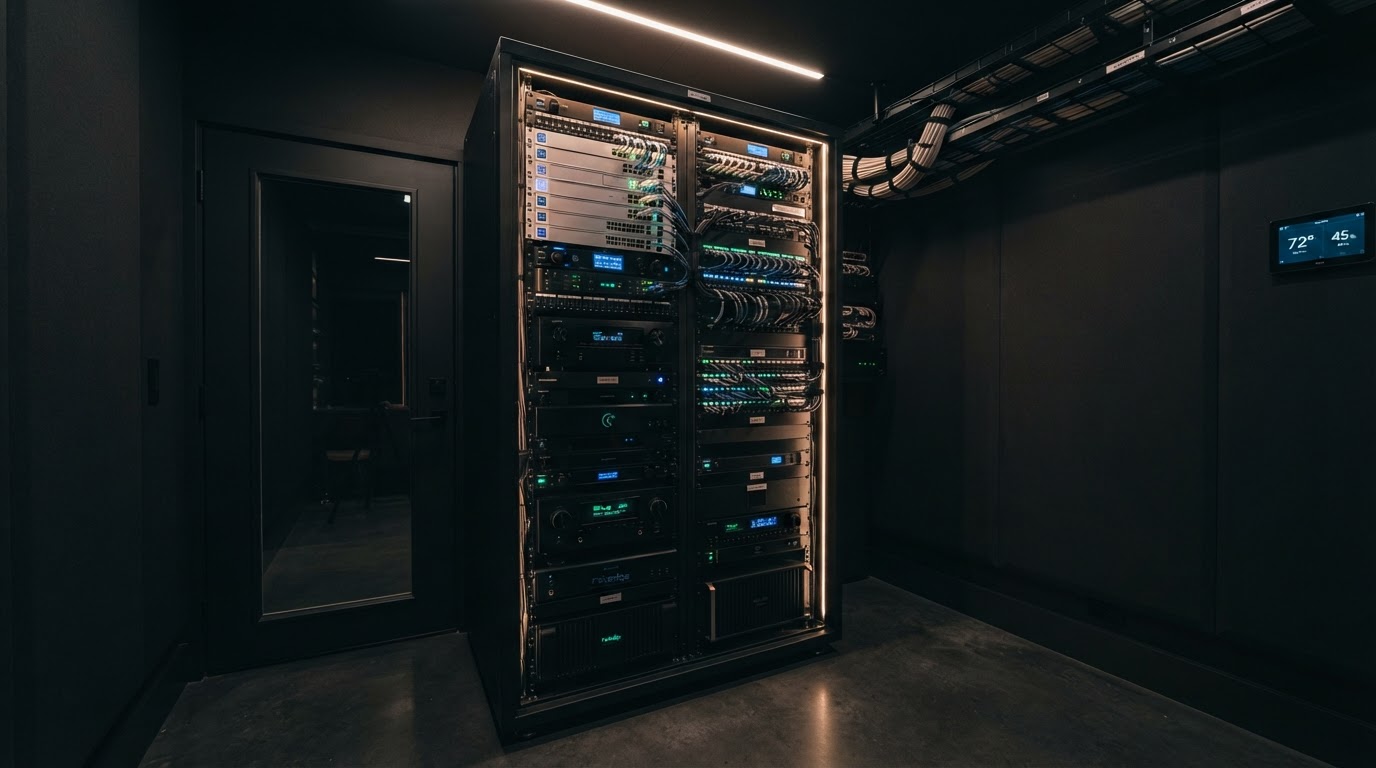
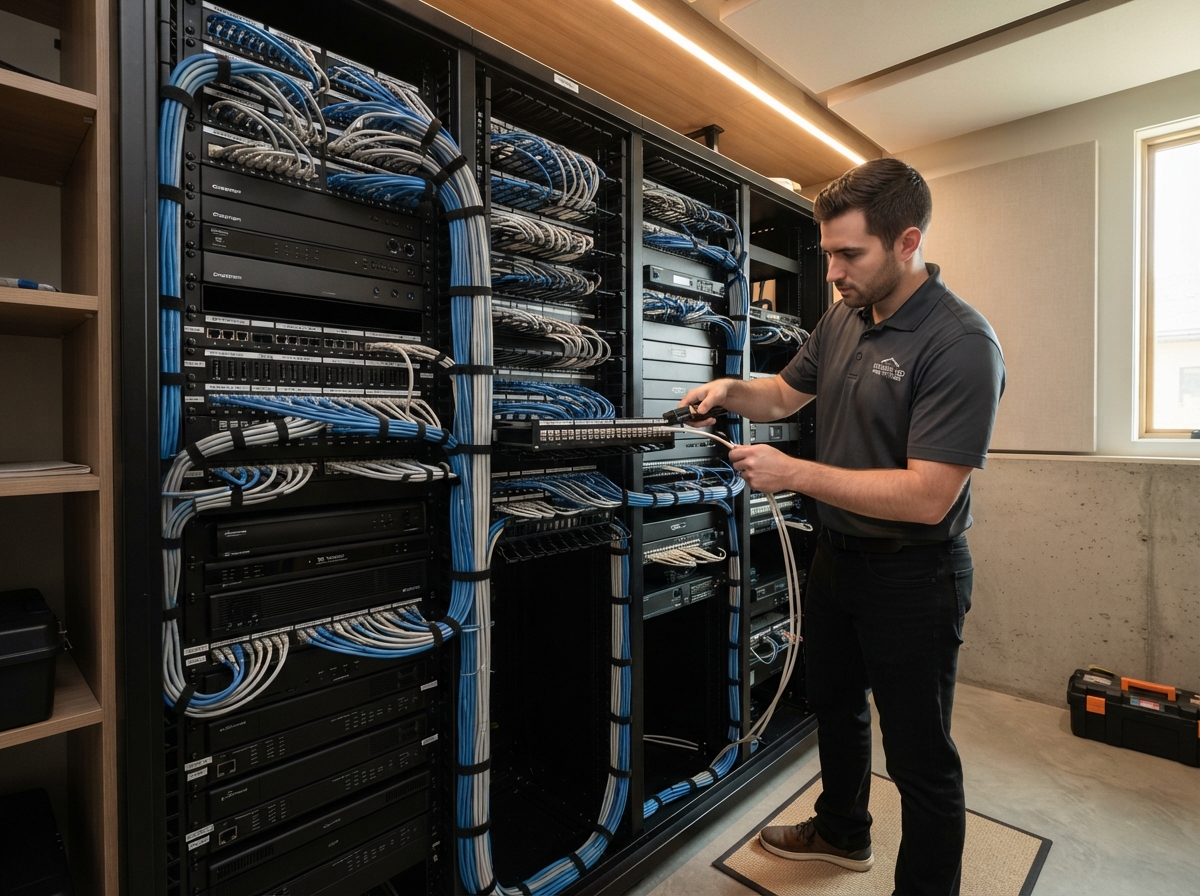
The network is the common foundation for control, cameras, streaming and remote access. Photograph the rack and labels without capturing passwords or sensitive codes.
Record:
- internet-provider handoff and modem or ONT;
- gateway or router;
- network switches;
- wireless access points;
- automation controllers;
- camera recorder;
- audio amplifiers and video equipment;
- power conditioners, battery backups and managed power devices; and
- cable labels and visible model numbers.
Ask for network diagrams, rack elevations, cable schedules and original proposals if available. Even imperfect documentation can save hours of rediscovery.
Preserve the control project and service history
For a professionally programmed system, the customer account and the installed programming project are different parts of support. Ask which dealer last serviced the system and whether a current project backup exists. Collect service records, known defects and details about any equipment that has been bypassed.
Do not ask the seller to provide dealer software or confidential trade credentials. The goal is a legitimate homeowner handoff and a supportable project—not access that the platform does not grant to the homeowner.
Test normal life, not only the sales demonstration
A practical review should test the functions the household will use:
- lighting scenes and keypads;
- television and audio zones;
- handheld remotes;
- cameras, recording and playback;
- door stations, gates and locks;
- thermostats and shades;
- local control when internet service is unavailable;
- mobile and remote access;
- network coverage in important rooms; and
- recovery after an appropriate, controlled restart.
Record anything intermittent. "It worked once" is not the same as reliable operation.
Smart home handoff checklist
Accounts and ownership
- Control4 customer account transferred
- Dealer relationship identified
- Buyer's recovery email and phone confirmed
- ISP account and provider equipment transferred
- Camera-recorder ownership transferred
- Alarm monitoring transferred or cancelled correctly
- Voice-assistant household transferred
- Seller signed out of personal streaming services
Network and documentation
- Wi-Fi names and secure access process provided
- Gateway, switch and access-point models recorded
- Rack and equipment photographed
- Cable labels, drawings and rack records collected
- Current project backup status confirmed
- Known defects disclosed
- Warranty and service records collected
Rooms and devices
- Lighting loads and keypads tested
- Remotes accounted for and charging accessories included
- Audio and video zones tested
- Cameras record and play back
- Thermostats, shades, gates and door stations tested
- Included equipment matches the purchase agreement
From the field: preserve before you modernize
We have seen new owners inherit a system that looked functional during a walkthrough but lacked account access and documentation. The expensive mistake is changing several things at once—resetting the controller, replacing the router and moving rack cables—before anyone records the starting condition.
A controlled review creates five useful categories:
- Working and supportable
- Working but undocumented
- Needs repair
- Unsupported or insecure
- Optional upgrade
That distinction keeps a few genuine failures from becoming a proposal to replace the entire house.
After the purchase
Schedule an existing-system review before making broad changes. Confirm ownership, establish a baseline, back up what can be preserved and identify the shared infrastructure behind visible symptoms.
If the system is unreliable, use Smart Home Repair or Replacement? to separate repairable problems from justified replacement. If the network is the weak link, UniFi vs. Consumer Mesh Wi-Fi explains the architectural choices without assuming one answer fits every home.
Need help understanding the system you inherited?
Smart Home DFW can document the installed system, test its foundations and build a prioritized repair or upgrade plan without assuming everything must come out.
Start with an existing-system review
Product claim source
Need help with your home technology?
If something isn't working — or you're planning what's next — Smart Home DFW can help. Tell us what's going on and we'll help you figure out the right next step.