Service & Repair
Smart Home Repair or Replacement? How to Make the Right Decision
An unreliable smart home does not automatically need to be replaced. The right decision depends on what is failing, the support status of critical components, the condition of the network and wiring, account ownership and whether the system still fits the household.

An unreliable smart home does not automatically need to be replaced. The right decision depends on what is failing, the support status of critical components, the condition of the network and wiring, account ownership and whether the system still fits the household.
The goal is not to preserve every old device. It is to distinguish useful assets from real liabilities before spending money.
Start with symptoms, not a shopping list
Write down what fails, when it fails and what changed before the problem began. Note whether several symptoms happen together.
Slow touchscreens, missing audio zones, cameras dropping offline and delayed lighting may look unrelated. They may also share the same switch, power device, controller, network service or rack condition. Replacing four endpoints will not correct one shared failure.
Capture:
- affected rooms and devices;
- constant versus intermittent behavior;
- recent internet, network, power or equipment changes;
- indicator lights or error messages;
- account-access problems; and
- what still works reliably.
Evaluate the foundation first
A useful system review moves from shared infrastructure toward individual devices.
Network health
Confirm the internet handoff, gateway, switches, wireless access points, addressing and coverage. A weak or misconfigured network can make healthy control, camera and entertainment devices appear defective.
Power, heat and rack condition
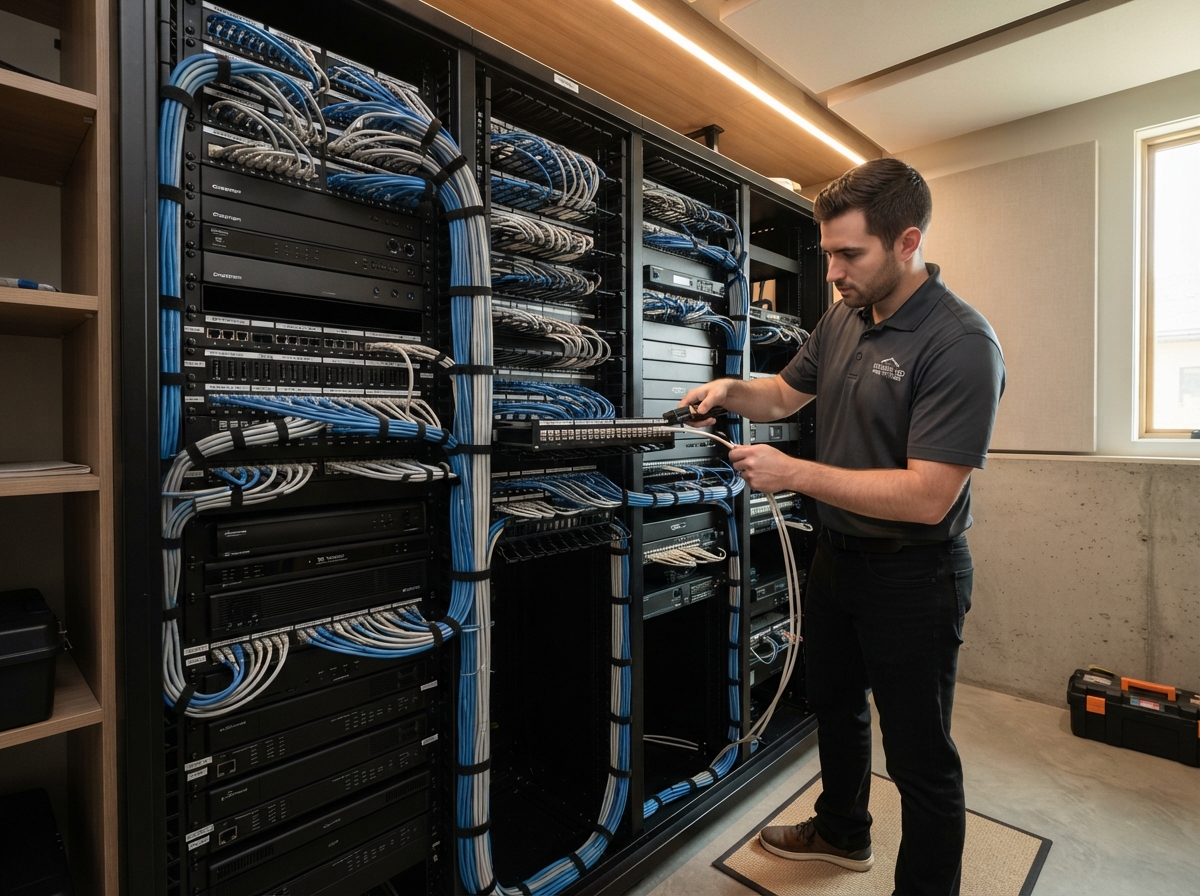
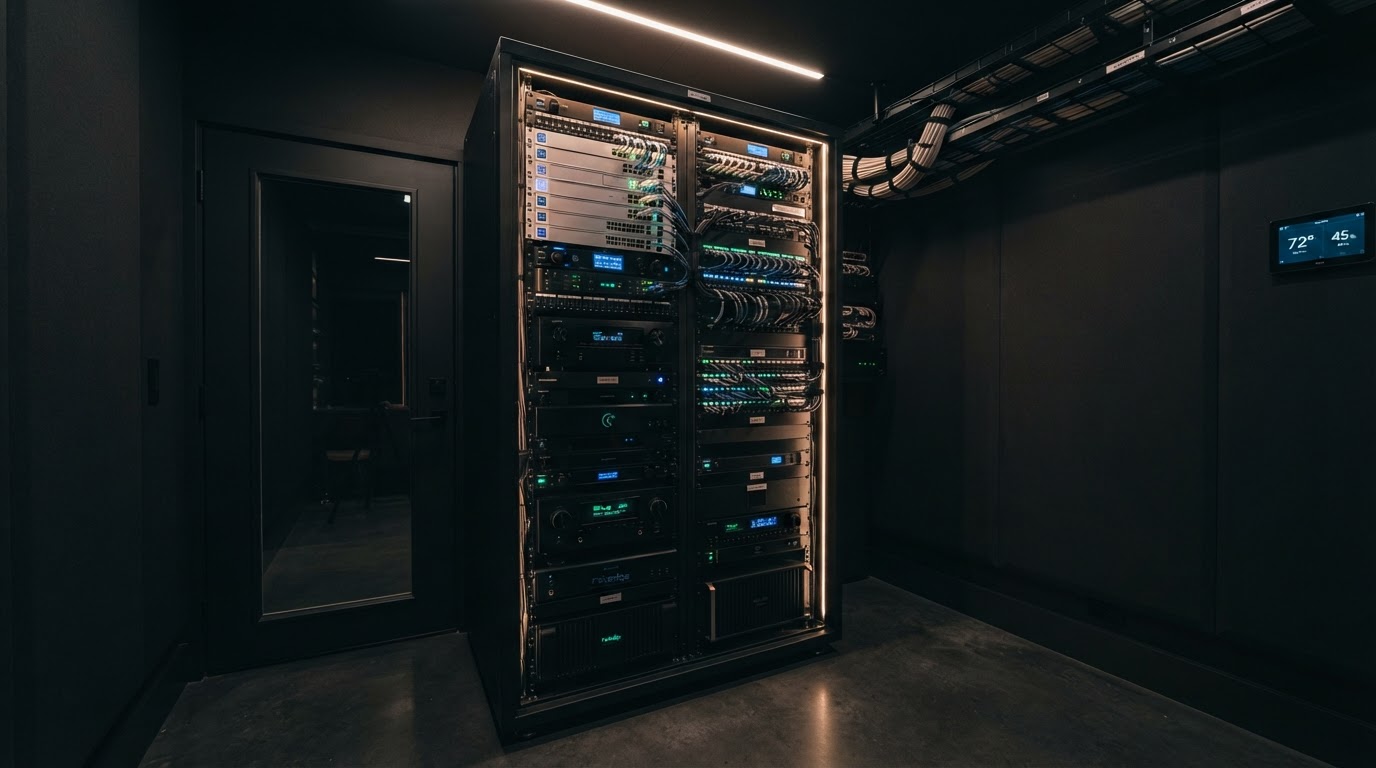
Check power distribution, battery backup, ventilation, cable strain and accidental disconnections. We frequently encounter systems where a rack rebuild or power event changed several conditions at once.
Accounts, backups and documentation
Identify the customer accounts, service provider, project backups, network ownership and camera credentials. A technically working device may still be difficult to support if ownership cannot be established.
Wiring and pathways
Determine whether existing cable is usable, labeled and accessible. Good infrastructure can support a staged modernization even when some electronics are obsolete.
Separate obsolete from merely misconfigured
Age alone does not decide the answer. Ask four questions about each critical component:
- Is it reliable? Does it perform its normal job consistently?
- Is it supportable? Can a qualified provider obtain parts, software access and documentation?
- Is it safe and secure enough for its role? Unsupported network or remote-access equipment deserves more scrutiny than an older passive speaker.
- Does it still serve the household? A stable system that no longer matches daily needs may justify a planned upgrade, not an emergency replacement.
Older hardware can remain useful when it is stable, secure enough for the application and supportable. Other equipment may consume so much service time that continued repair is poor value.
A practical decision matrix
| Condition | Usually points toward |
|---|---|
| One failed endpoint; healthy network and infrastructure | Targeted repair or replacement |
| Several failures with a shared network or power cause | Repair the foundation first |
| Working system with missing labels and backups | Document before upgrading |
| Unsupported critical controller or network device | Planned modernization |
| Useful wiring and speakers; obsolete electronics | Reuse infrastructure, replace selectively |
| Repeated failures with no support path | Broader replacement may be justified |
| System works but no longer fits the household | Goals-based redesign, possibly phased |
Build a staged recovery plan
A staged plan might:
- establish account and project access;
- stabilize the network and power;
- document the rack and cable paths;
- replace failed or unsupported critical components;
- verify normal operation; and
- schedule optional experience upgrades later.
This protects cash flow and reveals whether foundational repairs solve the larger symptoms. It also prevents a cosmetic upgrade from hiding an unresolved network problem.
From the field: The most expensive service calls often begin after several unrecorded changes. Preserve settings, labels and photos; change one controlled variable at a time; document the result.
When replacement is justified
Replacement becomes more reasonable when:
- critical hardware has no practical support path;
- ownership or programming access cannot be recovered;
- repeated failures consume disproportionate service time;
- wiring is unsafe, damaged or unsuitable for the required use;
- core equipment creates unacceptable security or reliability risk;
- replacement parts are unavailable; or
- the system cannot meet the household's current goals without extensive workarounds.
Even then, "replace the system" should be specific. Speakers, cable, racks, displays or other infrastructure may still be worth preserving.
Questions to ask before approving a replacement proposal
- What diagnosis supports replacement?
- Which components are actually failed or unsupported?
- Which infrastructure can be reused?
- Can repair and replacement options be priced separately?
- What risk remains if the work is phased?
- Who will own accounts, backups and documentation afterward?
- How will the new system be tested under normal use?
The answer should describe more than a new equipment list.
Related resources
- If the system came with a recently purchased home, use the Smart Home Handoff Checklist.
- If networking is the shared weakness, compare UniFi and Consumer Mesh Wi-Fi.
- If you are evaluating service providers, ask the questions in How to Choose a Smart Home Installer in Dallas.
Need a clear diagnosis before you replace anything?
Smart Home DFW can document the current system, identify shared causes and separate essential repairs from optional upgrades. The objective is a supportable plan—not an automatic rip-and-replace proposal.
Need help with your home technology?
If something isn't working — or you're planning what's next — Smart Home DFW can help. Tell us what's going on and we'll help you figure out the right next step.